


TL;DR
- Automated data entry for insurance claims uses OCR and AI to read claim documents and enter the data into your systems, with no manual typing.
- Manual re-keying is the biggest bottleneck in claims: it is slow, error-prone, and drives compliance and fraud risk.
- Automation reads receipts, invoices, medical bills, IDs, and bank statements, validates the data, and syncs it to your claims system.
- The tool automates the data entry, not the claim decision, which stays with your adjusters.
An adjuster opens a new claim and starts typing. Claimant name, policy number, date of loss, then the repair estimate, the receipts, the medical bills, each keyed by hand into the claims system.
Automated data entry for insurance claims removes that typing. It uses OCR and AI to read claim documents and enter their data into your systems automatically, so an adjuster confirms details instead of keying them from scratch.
The stakes are high. Manual entry is slow, it introduces errors, and it exposes carriers to compliance deadlines and fraud, which the Coalition Against Insurance Fraud estimates costs the U.S. $308.6 billion a year.
That figure is an all-lines U.S. estimate, not a single carrier’s loss. Still, it shows how much rides on clean, reliable claim data.
This guide explains what automated data entry for insurance claims is, why manual entry is the bottleneck, the benefits, the documents it handles, how it works, what to automate first, and how to choose a tool.
One boundary runs through all of it. Automation handles the data, while your adjusters keep the decision.
What Is Automated Data Entry for Insurance Claims?
The term is broad, so it helps to define it precisely in a claims context.
What Automated Data Entry Means in Claims
Automated data entry for insurance claims is the use of OCR and AI to extract data from claim documents and enter it into a claims or policy system without manual typing. It turns a scanned FNOL, a receipt, or a medical bill into structured fields your system can use.
It is one part of a broader practice. For the wider concept, see our explainer on automated data entry.
The emphasis here is on documents. Claims generate paper, and reading that paper is the task being automated.
How Manual Data Entry Works in a Typical Claim Today
Today, much of this is manual. A first notice of loss arrives, and a person keys the claimant and policy details, then reconciles them against the policy and logs an initial reserve.
Every supporting document repeats the pattern. Someone reads a repair estimate or a hospital bill and types its numbers into another screen.
The work is dull and unforgiving. It rewards no skill, yet a single slip can misstate a claim.
How Automated Data Entry Replaces It
Automation collapses those steps. AI reads each document, extracts the fields, maps them to your data model, and pushes the structured result into the claims system.
The adjuster’s role shifts from typing to checking. They review flagged items and make decisions, instead of transcribing data all day.
That is a better use of their skill. Judgment on a complex claim is worth far more than keystrokes.
Automated Data Entry vs RPA vs Workflow Automation
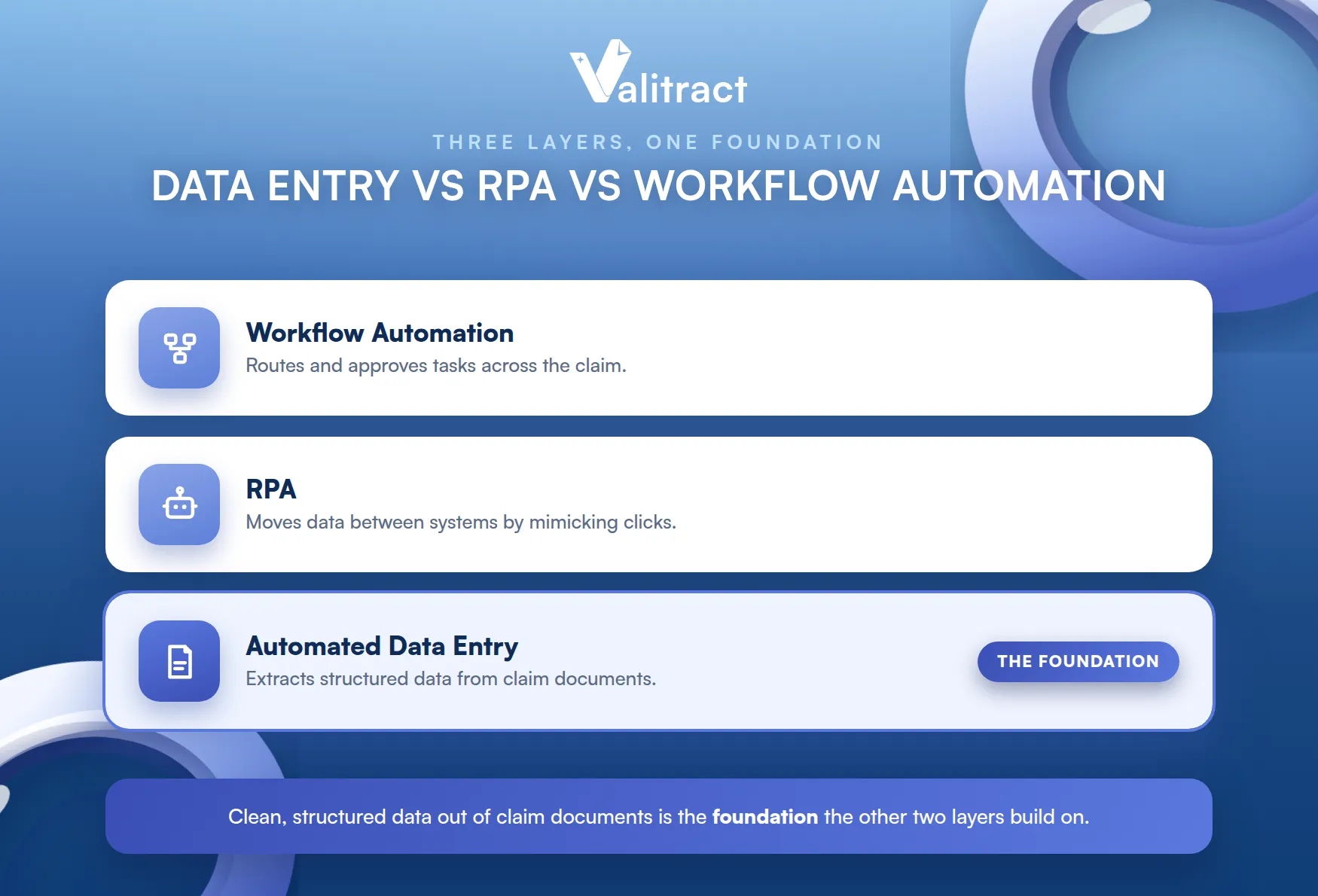
These terms overlap, so it helps to separate them. Automated data entry extracts data from documents, RPA moves data between systems by mimicking clicks, and workflow automation routes and approves tasks.
This article is about the first layer. Getting clean, structured data out of claim documents is the foundation the other two build on.
Without it, the rest struggles. RPA and workflows move data faster, but only if the data is clean to begin with.
Why Manual Data Entry Is Still the Biggest Bottleneck in Claims Processing
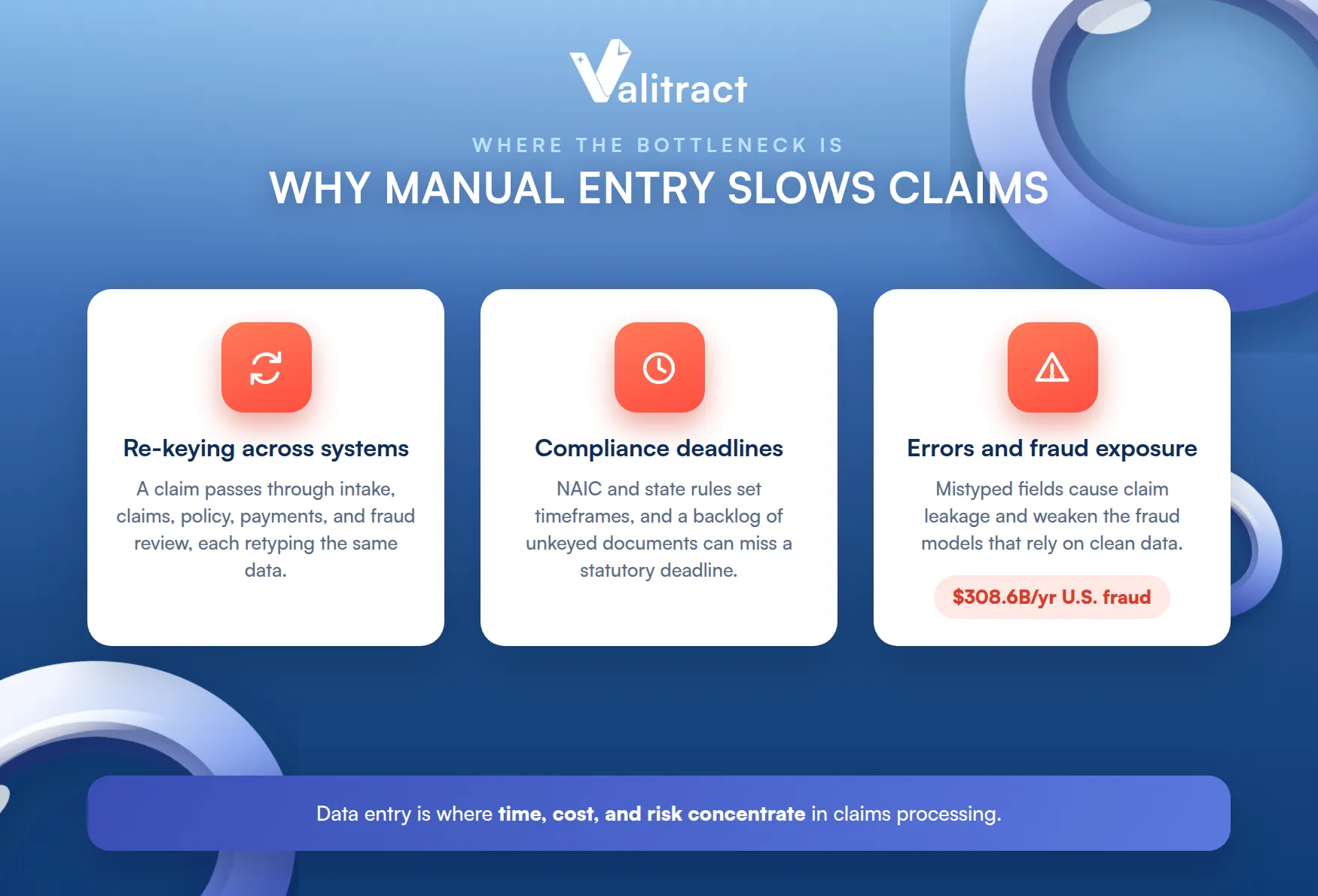
Claims teams have automated many things, yet data entry remains stubbornly manual. It is where time, cost, and risk concentrate.
The Cost of Re-Keying Claimant and Policy Data
A single claim can pass through several systems: intake, core claims, policy, payments, and fraud review. Each handoff often means re-keying the same claimant and policy data.
That repetition is pure waste. The same name and policy number get typed again and again, and every retype is a fresh chance for a mistake.
The cost hides in plain sight. Because the staff are already on payroll, the re-keying tax rarely shows up as a line item.
Compliance Risk and Statutory Deadlines
Claims run on the clock. Under the NAIC Unfair Claims Settlement Practices Model Act and state rules, carriers must acknowledge and act on claims within set timeframes.
Manual entry eats into those windows. A backlog of unkeyed documents can push a claim past a statutory deadline, turning a data problem into a compliance problem.
Speed here is not just service. It is a regulatory obligation with real penalties for missing it.
Manual Entry Errors and Fraud Exposure
Typing mistakes are not just annoying, they are costly. A mistyped amount or policy number can cause claim leakage, paying more than the claim warrants.
Errors also weaken fraud defenses. Clean, structured, consistent data is what fraud models need, and manual entry undermines it, which matters when fraud costs the U.S. an estimated $308.6 billion a year. For the broader contrast, see our guide to manual vs. automated data entry.
Good data is the first line of defense. A fraud model can only catch what the intake data lets it see.
Benefits of Automating Data Entry in Insurance Claims
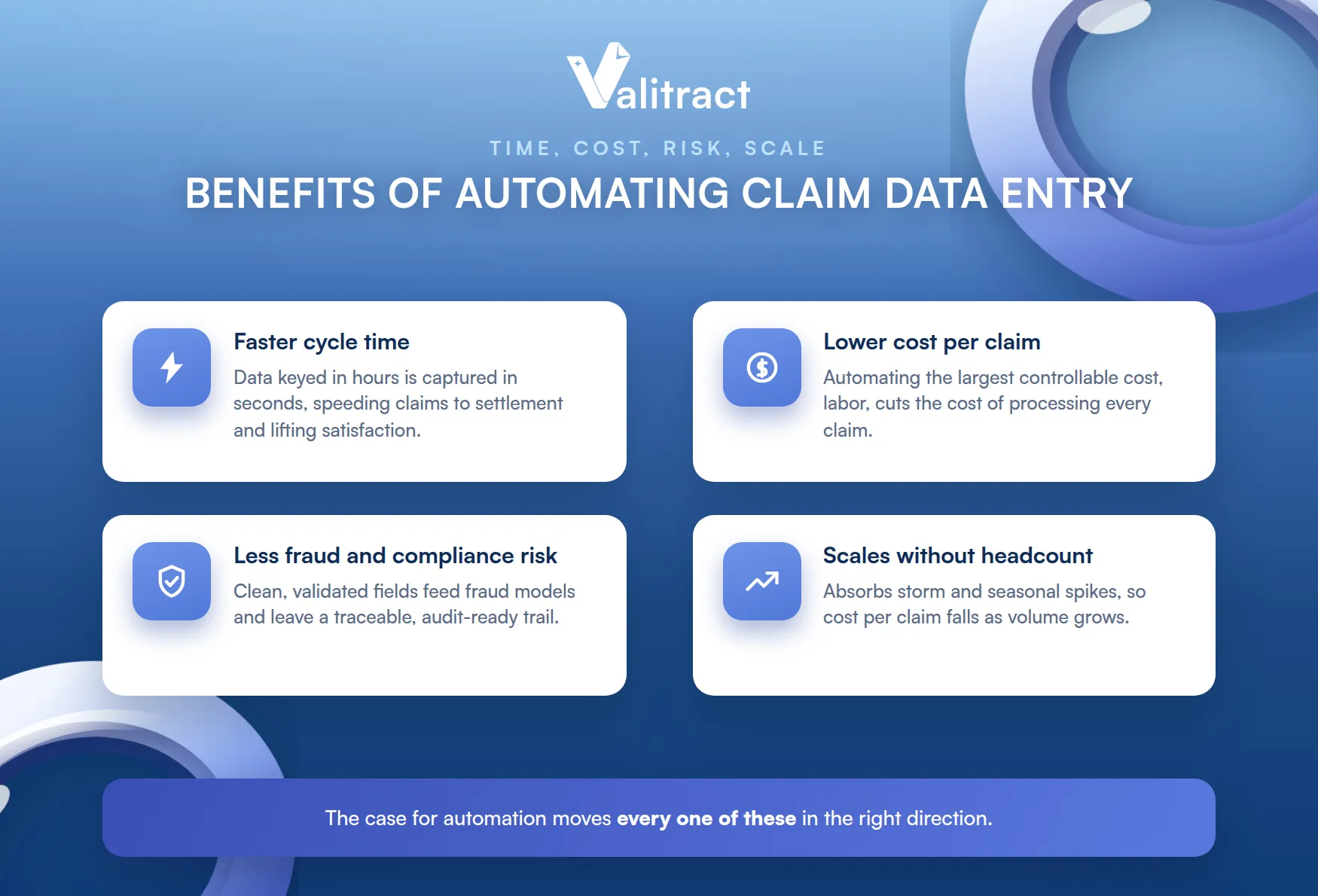
The case for automation is measured in time, cost, risk, and scale. Each one moves in the right direction.
Faster Claim Cycle Time and Higher Satisfaction
Automation compresses the slowest part of the claim. Data that took hours to key is captured in seconds, so claims move faster from intake to settlement.
Speed drives satisfaction. Claims research consistently shows that faster settlement is one of the strongest drivers of customer satisfaction, and a faster cycle also frees adjusters for complex work.
A fast claim is a memorable one. It is often the moment a policyholder decides whether to renew.
Lower Cost Per Claim
Manual entry is labor, and labor is the largest controllable cost in claims handling. Automating it cuts the cost of processing each claim.
The saving compounds at volume. A few minutes saved per document, across thousands of claims, adds up to real money each month.
The math scales cleanly. Double the volume, and the saving roughly doubles too.
Reduced Fraud and Compliance Risk
Clean data is a control, not just a convenience. Consistent, validated fields feed fraud models and create a timestamped record that supports compliance.
That record matters in an audit. A traceable digital trail is far easier to defend than a stack of manually keyed forms.
Every extracted value can be traced to its source document. That provenance is what an examiner wants to see.
Scalability Without Adding Headcount
Claim volume spikes with storms, recalls, and seasons. Automation absorbs those spikes without a hiring scramble.
The pipeline that handles today’s volume handles ten times it. Cost per claim falls as you scale, rather than rising with headcount.
That elasticity is hard to match manually. Hiring for a storm surge is slow, and unwinding it afterward is painful.
What Documents Does Automated Data Entry Handle in an Insurance Claim?
A claim is a pile of documents, and automation reads across the whole pile. Here are the main types by line of business.
Auto and Property Claims
These claims run on estimates and proof. Automation extracts data from repair estimates, police and incident reports, and receipts for damaged items.
Receipts are especially common here. Reliable receipt data extraction turns a shoebox of proof-of-loss receipts into structured line items.
Estimates vary wildly in format. Reading them by meaning, not template, is what keeps a new shop’s layout from breaking the flow.
Health and Medical Claims
Medical claims carry dense, structured documents. Automation reads medical bills, prescriptions, and discharge summaries, pulling out codes, dates, and amounts.
Because these carry protected health information, security is paramount. Confirm any vendor’s data-handling and compliance posture before processing health data through it.
The volume here is significant. Medical claims often carry many pages, so automation saves the most time exactly where the stakes are highest.
Travel and Life Insurance Claims
These claims lean on identity and financial proof. Automation extracts data from passports, ID cards, and bank statements for verification and payout.
That covers the KYC-heavy parts of a claim. See our passport data extraction and bank statement extraction capabilities for these documents.
Liability and Commercial Claims
Commercial claims bring business paperwork. Automation reads invoices, certificates of insurance, and contracts, extracting parties, dates, and amounts.
Invoices dominate here. Accurate invoice data extraction pulls vendor, totals, and line items into the claim file automatically.
Commercial claims also run long. One incident can generate dozens of documents, which is where automation earns its keep.
How Automated Data Entry Works: From Document to Structured Data
Under the hood, a claim document moves through four steps. Understanding them helps you evaluate any tool.
Step 1: Ingest Any Document, Format, or Language
First the system accepts the document, whatever its shape. A strong tool reads PDFs, images, and scans, across 95+ languages, so a foreign receipt or a phone photo is not an exception.
That breadth matters for claims. Documents arrive from claimants and third parties in every possible format.
You cannot control the input. A claimant sends whatever they have, so the tool has to accept it all.
Step 2: AI Reads Unstructured and Handwritten Data
Next, AI reads the content, including the messy parts. It handles handwritten police reports and claim forms, not just clean printed text.
This is where AI beats legacy OCR. Reading a handwritten note by meaning is exactly what claims documents demand.
Confidence scores travel with the read. The system flags what it is unsure of, so a person checks only the doubtful fields.
Step 3: Data Validated and Mapped to Custom Fields
Extraction is not enough on its own. The system validates the data, scores confidence, and maps each value to your custom fields.
Customizable fields matter for claims. Every carrier’s data model differs, so the tool must capture the exact fields your system expects.
Generic output creates rework. If the fields do not match your schema, someone remaps them by hand.
Step 4: Structured Output Syncs to the Claims System
Finally, the data leaves as structured output. It exports as JSON, CSV, or XLS, and syncs into your claims management system through an API.
From there, the claim proceeds. The adjuster works with clean, validated data instead of a pile of documents.
Which Claim Data Entry Tasks Should You Automate First?
You do not automate everything at once. A focused start delivers value fast and builds the case for more.
Start With the Highest-Volume, Most-Repeated Fields
Begin where the typing is heaviest. Claimant name, policy number, date of loss, and contact details appear on nearly every claim.
Automating these first pays off immediately. They are the fields re-keyed most often across systems.
They are also low risk to automate. These are facts to capture, not judgments to make.
Prioritize Document Types Across Most Claims
Next, target the documents that show up everywhere. Receipts, invoices, and IDs cut across lines of business, so automating them helps the whole team.
Common documents give the widest return. A single integration then serves many claim types.
Start broad, then specialize. Once the common documents are covered, line-specific ones are a smaller lift.
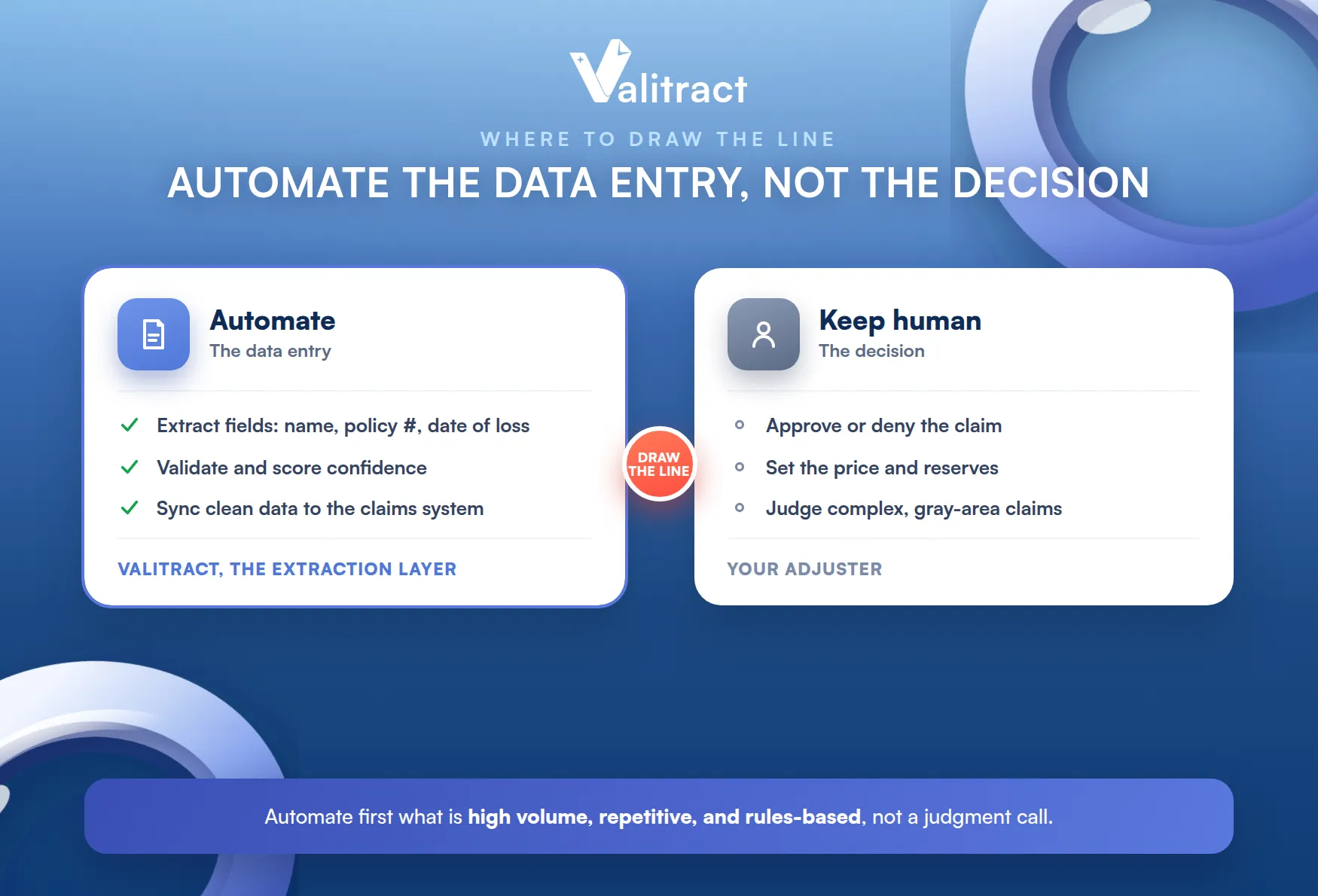
Automate the Data Entry, Not the Decision
This is the important boundary. Automation extracts and enters data, but the claim decision stays with your adjusters.
A data-entry tool like Valitract is an extraction layer, not a claims decision engine. It gives adjusters clean, reliable data to decide on, and does not approve, deny, or price the claim itself.
This boundary is a feature, not a limitation. It keeps accountability with a human, where regulators and claimants expect it.
A Quick Checklist to Spot Your First Candidate
A short test finds the best starting point. Look for a task that is high volume, highly repetitive, and rules-based rather than judgment-based.
- High volume: it happens on most claims, every day.
- Repetitive: the same fields, from the same document types.
- Rules-based: extracting data, not weighing a decision.
How to Choose an Automated Data Entry Software for Insurance Claims
The right tool fits your documents, your stack, and your risk posture. Five criteria narrow the field.
Accuracy on Messy, Real-World Documents
Claims documents are rarely clean. Test each tool on your worst inputs: handwritten reports, faded receipts, and low-quality scans.
Accuracy on real documents is the whole game. A tool that shines only on tidy samples will fail on a real claim file.
Bring your worst file to the trial. That is the document that decides whether the tool actually helps.
No-Code vs API
Match the tool to your team. A no-code platform suits claims and operations staff, while an API suits developers embedding extraction into a core system.
The best tools offer both, so business users start fast and engineering scales it later. For the wider category, see our roundup of data entry automation software.
Security and Data Privacy
Claims data is sensitive, and health claims carry protected information. Look for encryption, clear data retention, whether the vendor trains its models on your data, and the specific compliance certifications your line of business requires.
Treat this as a gating criterion. For regulated health data, confirm the exact compliance posture before you process anything.
Security is not a feature to bolt on later. In claims, it is a prerequisite for going live at all.
Multi-Language and Multi-Document Support
Claims cross borders and document types. A capable tool reads many languages and handles receipts, invoices, IDs, and statements through one integration.
Breadth reduces vendor sprawl. One tool covering the whole document pile is simpler and cheaper than several.
It also simplifies your integration work. One connection handles every document type instead of one per vendor.
Integration With Existing Claims Systems
Extracted data has to land in your books. Check that the tool connects to your claims management and policy systems, natively or by API.
A missing integration recreates the manual work. The data has to flow in automatically, or the gains evaporate.

How Valitract Automates Data Entry for Insurance Claims
Valitract is an AI OCR platform that handles the document side of a claim. It reads invoices, receipts, bank statements, passports, and IDs, through a no-code platform or an API.
The output is built to slot into your workflow. Valitract exports JSON, XLS, or CSV at up to 99.8% accuracy, with customizable fields that match your claims data model.
Security is designed for sensitive data. Valitract applies automatic data purging and does not train its models on customer data, with SOC 2 and ISO 27001 in progress; confirm the current posture for your compliance needs.
It stays in its lane by design. Valitract automates the data entry and gives adjusters clean data, while the claim decision remains with your team. To see it on your own documents, try the API for free or book a demo.
Frequently Asked Questions About Automated Data Entry for Insurance Claims
What is automated data entry for insurance claims?
It is the use of OCR and AI to read claim documents and enter their data into your claims or policy system without manual typing. It captures fields like claimant name, policy number, amounts, and dates from documents such as FNOLs, receipts, invoices, and medical bills.
Can AI read handwritten claim forms and reports?
Yes, within limits. Modern AI reads handwriting far better than legacy OCR, so handwritten claim forms and police reports can be extracted, with a confidence-scoring step that routes uncertain fields to a person for review.
Is automated data entry accurate enough for claims compliance?
It can be, when the tool pairs strong extraction with validation. Leading tools reach up to about 99.8% accuracy on clear documents, and human review of low-confidence fields keeps the data reliable, while a timestamped record supports the audit trail compliance requires.
Does automated data entry replace claims adjusters?
No. It removes the typing, not the judgment. The tool extracts and enters data, while adjusters review flagged items and make the claim decision, which stays a human responsibility.
How much time or cost can automation save per claim?
Savings depend on volume and document mix, but the gain comes from replacing minutes of manual keying per document with a few seconds of automated extraction. Across thousands of claims, that adds up to significant time and cost reductions.
Conclusion
Automated data entry for insurance claims removes the slowest, most error-prone step in claims handling. It reads the whole document pile, validates the data, and syncs it into your systems, cutting cycle time, cost, and risk.
The boundary is what makes it safe: automation handles the data entry, while your adjusters keep the decision. That combination speeds claims without giving up control.
Whether you prefer a no-code dashboard or a developer API, Valitract can automate the document data entry behind your claims at high accuracy with a security-first design. To see it on your own claim documents, book a demo with the Valitract team.
Valitract – Next-gen AI-Powered Data Extraction Platform
- Email: contact@valitract.com
- LinkedIn: https://www.linkedin.com/company/valitract-api-platform
- X: https://x.com/valitract


